

1. Check which addition opens Purge’s window
Dominus Purge can respond to a card or effect that includes adding from Deck to hand. If the opponent controls a card, you can activate Purge from hand. Read the selected effect and check where the card will come from before chaining.
2. Compare a Deck search with a Graveyard recovery
Reinforcement of the Army adds a Warrior from Deck to hand and gives Purge a qualifying window. An effect that only recovers a Spell from the Graveyard uses a different source. Check the source in the duel log when you are unsure.
| Example action in the effect | What to verify |
|---|---|
| Search from Deck to hand | Direct response to the activated effect |
| Draw from Deck through an activated effect | Whether the current effect includes the draw |
| Recover solely from Graveyard | The source is outside the Deck-to-hand condition |
3. Check which Attributes your hand Purge will lock
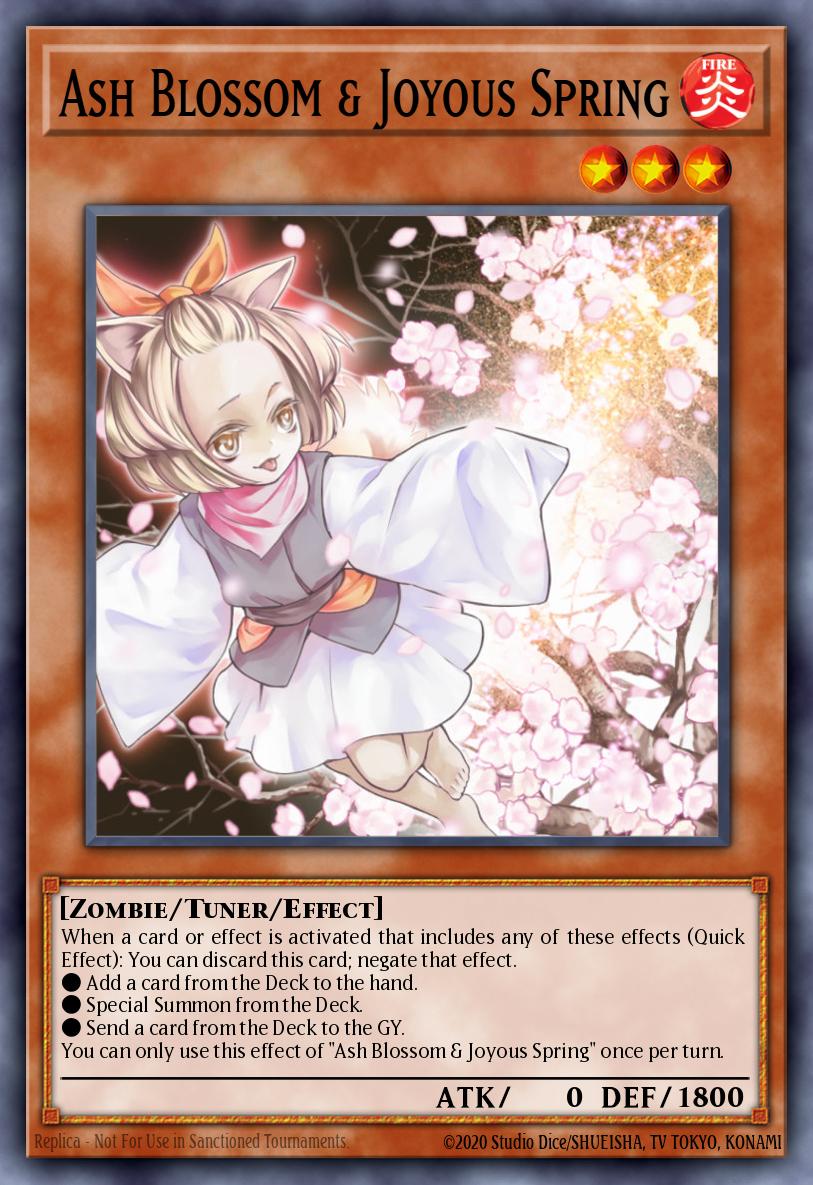
Activating Purge from hand prevents you from activating DARK, WATER and FIRE monster effects for the rest of the Duel. Check your starter, follow-up and hand traps for those Attributes. FIRE Ash Blossom & Joyous Spring is affected, so decide if you need it before using Purge.

4. Check for a Trap when Purge resolves
Purge negates the effect first. Its additional destruction checks for a Trap in your Graveyard. Compare a duel where you already have a Trap there with one where the Graveyard has none, then use the log to see what happened to the source card.
5. Decide whether to use Ash now and Set Purge later
If you hold Ash and Purge on the opponent’s first turn, using Purge from hand first will lock Ash for later searches. If Ash can stop the important search, keep Purge to Set. With a FIRE starter, weigh the immediate stop against losing that starter’s effect. When Purge is already Set and live, evaluate that window separately and check the format.