

1. Check the three Deck actions Ash can stop
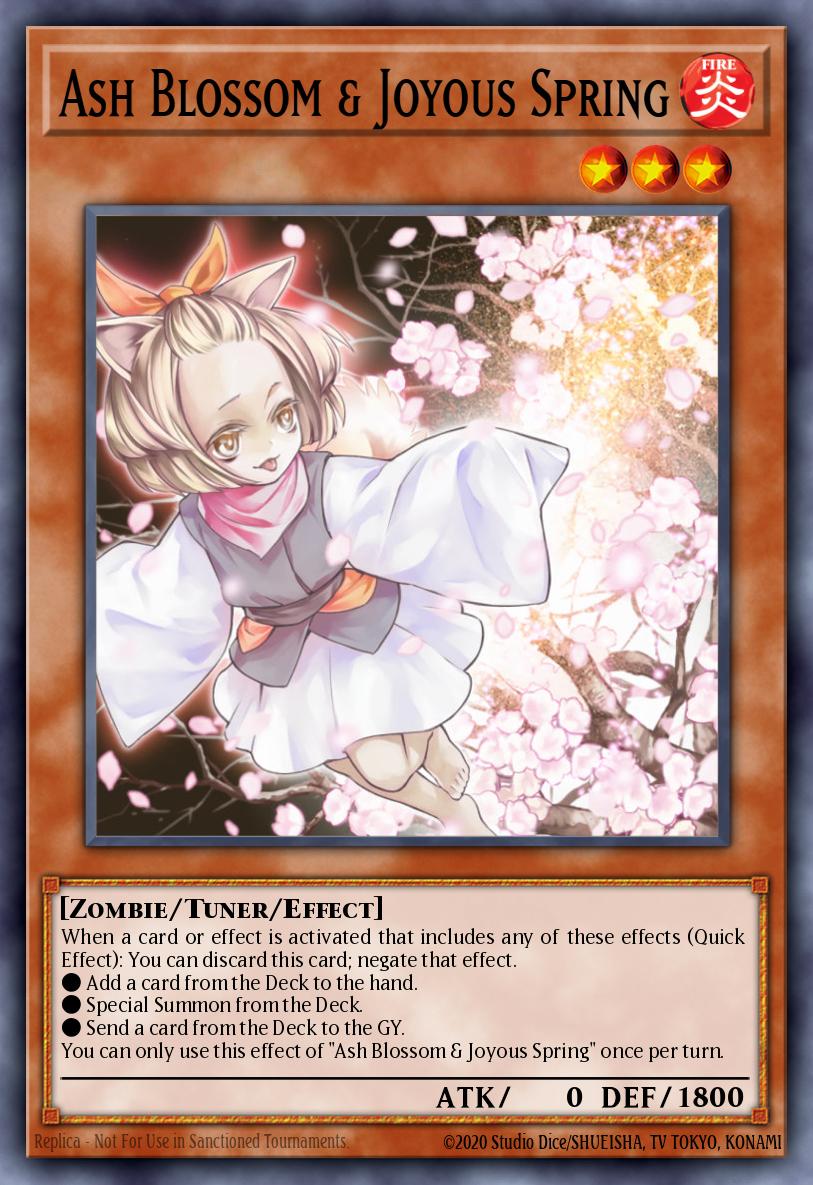
Discard Ash Blossom & Joyous Spring to negate an activated effect that includes adding a card from Deck to hand, Special Summoning from Deck or sending a card from Deck to Graveyard. Check the effect selected for this activation and Ash’s own once-per-turn limit.
2. Identify the zone the card comes from
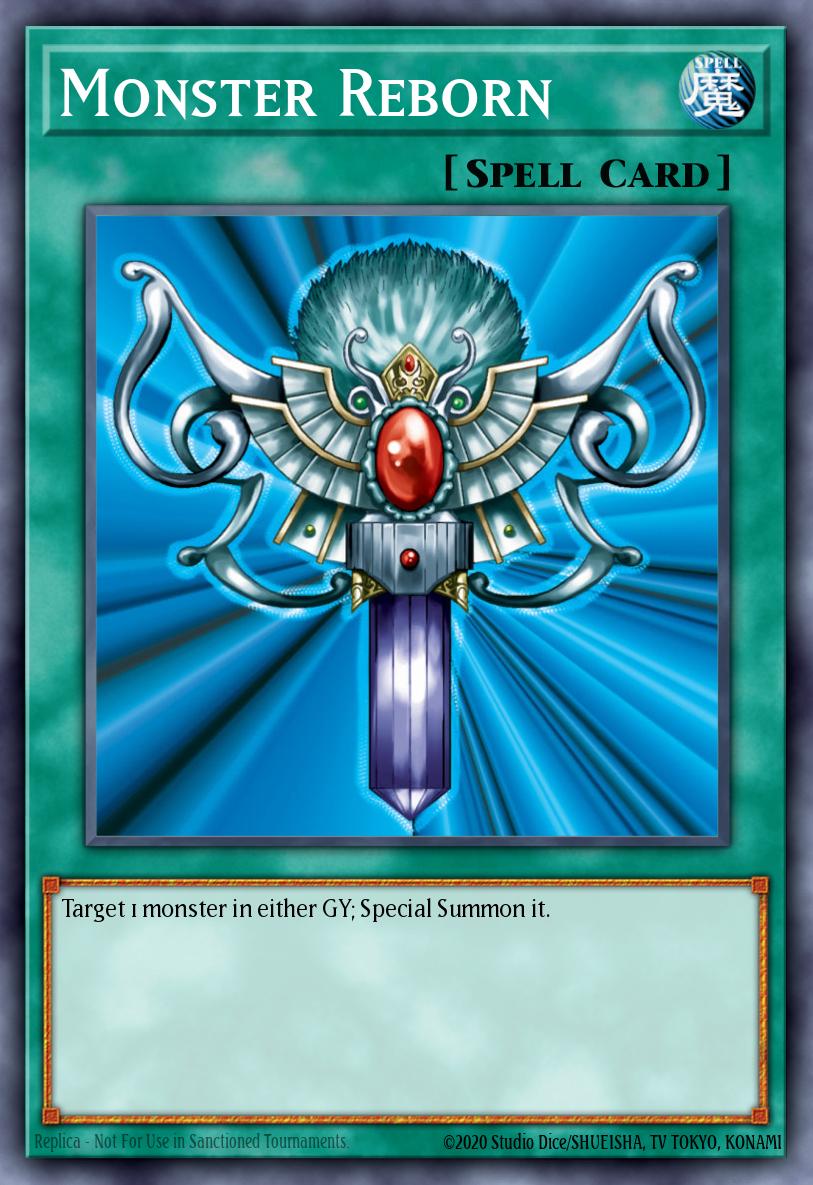
Reinforcement of the Army adds a Warrior from Deck, so Ash can answer. Monster Reborn summons a monster already in a Graveyard. That action alone falls outside Ash’s three cases. When a card offers several effects or options, check which one was activated in the client.
| Action in the activated effect | Ash window from that action |
|---|---|
| Draw from the Deck | Yes, when the effect includes that draw |
| Summon from the Main Deck | Yes, when included in the activated effect |
| Recover a card from the Graveyard alone | Outside the listed Deck actions |
3. Read what remains after the cost is paid
The activation text and punctuation distinguish a Deck action paid as cost from one performed at resolution. By the time you can respond, the cost has happened. Use the resolving effect to decide whether Ash can respond. Negating it leaves the cost spent.
4. Stop the effect that opens an irreplaceable line
An opponent’s first search may be the only way they can reach a starter. If they already have a starter and are searching an optional extender, save Ash for the effect that turns the starter into a board. In a replay, find the first point at which they could not continue after your response.
5. Use the log to diagnose a missing prompt
If the expected prompt never appears, check whether the activated effect used the Deck, which Chain Link is current and whether you already used Ash this turn. Read the in-game response settings and reproduce that one effect in a practice hand.
6. Read the latest Trigger Effect before chaining
If two Trigger Effects go on one Chain, check the latest link. A search at Chain Link 1 may have another effect after it. When that effect uses a different action, look at the order and the client’s prompt to see which link Ash can directly answer.