


1. Which visual effect are you looking at
A Summon cut-in shows the monster's illustration when the relevant summon happens. Activating a card or winning can play different visuals. Alternate art changes the illustration and Royal Finish changes the card's surface treatment. Record the name, art and action when comparing clips.
2. How to filter cards by art or animation
Version 2.7.0 in April 2026 added illustration, visual effect and victory effect filters to Deck Edit. Use the illustration filter when several copies share a name. Use the effect filter to find the presentation, then open the card's details to confirm the printing.
3. Where to preview a summon you own
Version 2.7.0 lets you play eligible owned-card cut-ins in the Collector's File. Pick the right art and open its Summon preview. The release also extended them to qualifying Flip Summons when enabled. To reproduce a live clip, check the summon type and your animation settings.
4. Which offers had specific art or finishes
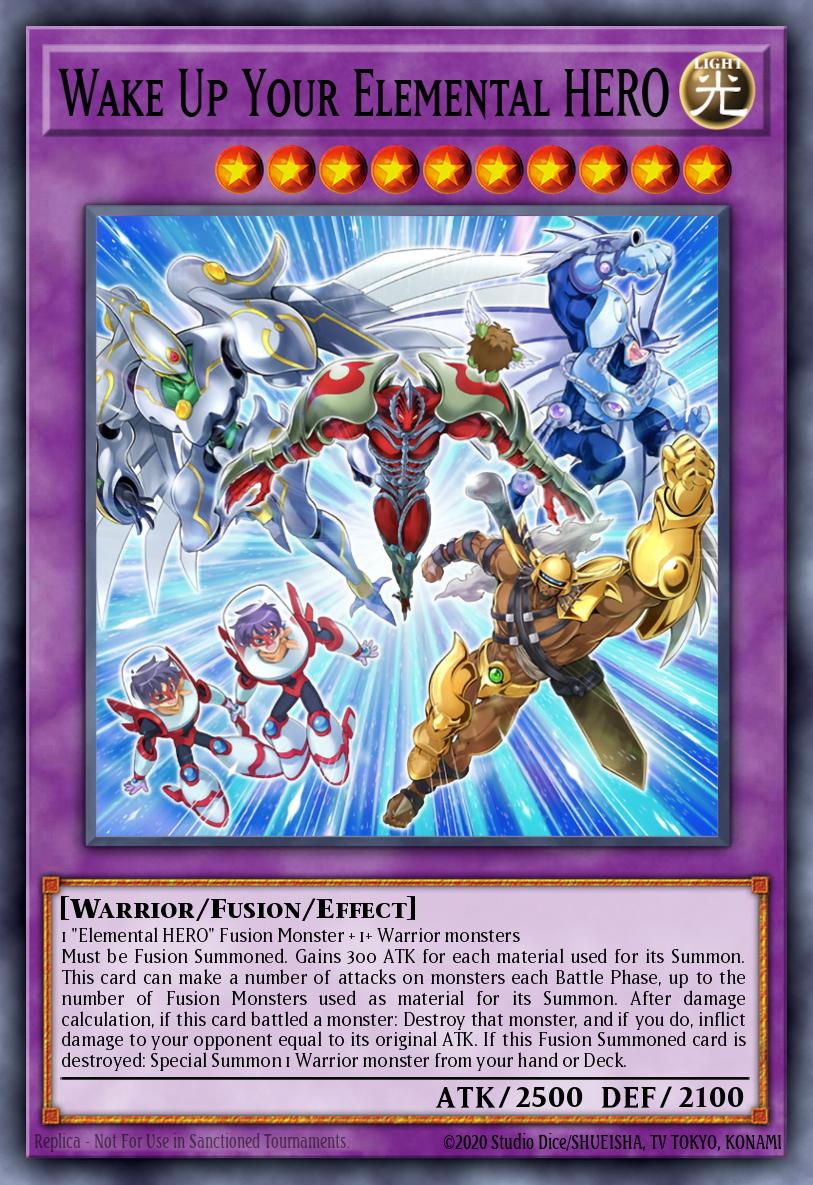
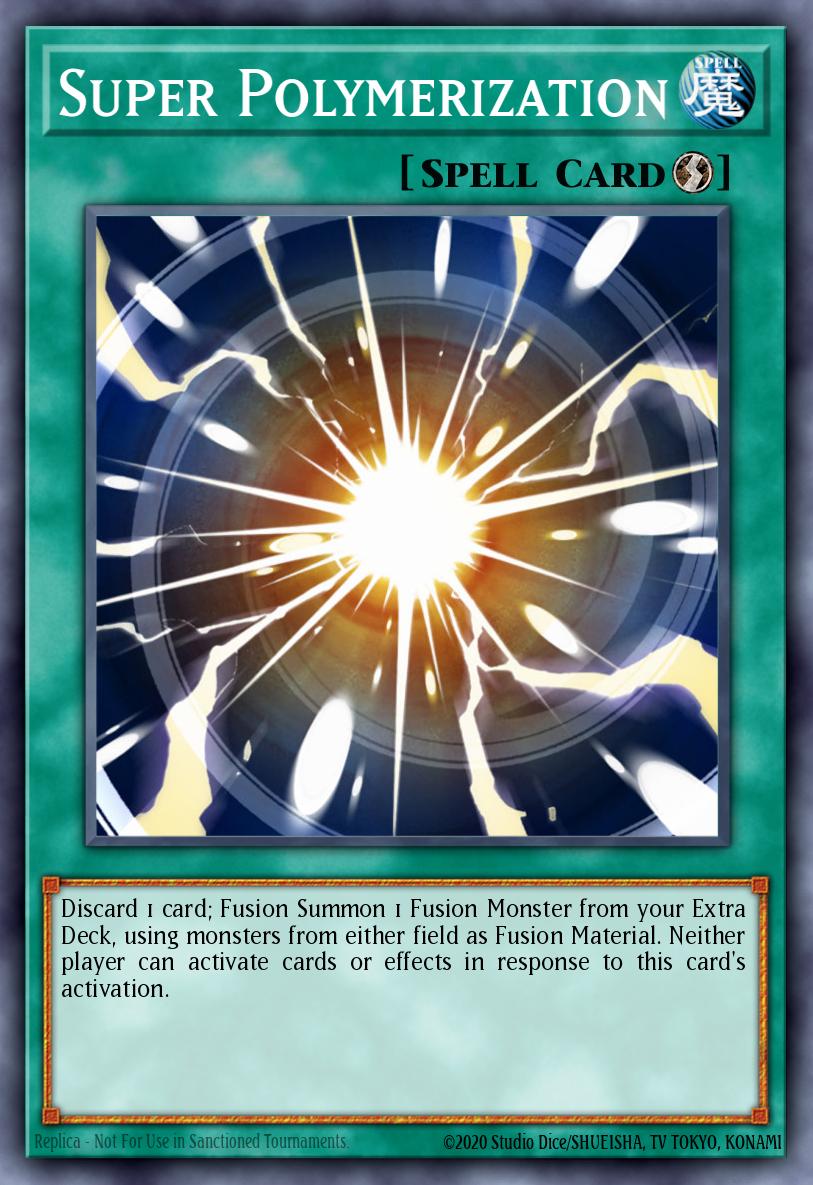
Fourth-anniversary login gave a Royal Finish alternate Dark Magician with its own dismantle restriction. Darkest Magics listed alternate art as well. Road to Worlds 2026 offered extended Mirrorjade, with Royal alternate Ecclesia and Fleurdelis in the Branded Collection Bundle. The August download campaign advertised extended Favorite HERO Shining Flare Wingman, Wake Up Your Elemental HERO and Super Polymerization.
5. Find the exact Mirrorjade you want
If you own standard Mirrorjade and want extended art, select the second illustration and inspect How to Obtain. Check the current offer's image, contents and end date. Previewing the owned card confirms what you have. Availability of the other art comes from its own listing.

6. What to repeat when a clip does not play
Begin with the same action as the clip. A victory effect needs the relevant victory, while a Summon cut-in needs the corresponding summon and animation setting. Check the owned preview first, then record the art and client version if sharing a comparison.