

1. Find Ash Blossom under Mates
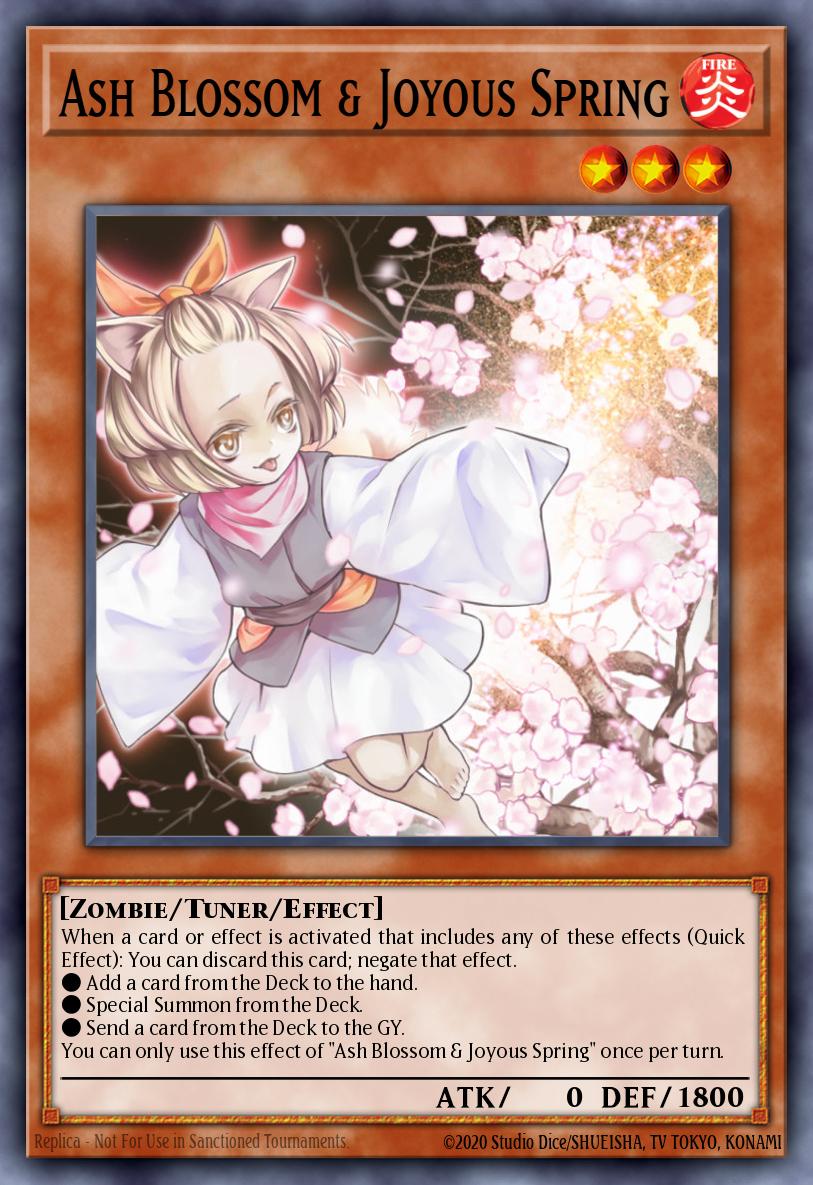
The accessory archive lists Ash Blossom & Joyous Spring as a Shop Mate, with early coverage pricing it at 300 Gems. Open the full name and model preview in the current client. The playable card and Icons use the same character, so check the item type before selecting one.
2. When Ghostrick Lantern was offered
The October 30, 2023 notice put Ghostrick Lantern back in the Shop for 300 Gems through November 27 in its schedule. The October 28, 2024 update also listed it for 300. Check the current timer and exact type, since Halloween offers can contain Field Parts, Icons or sleeves too.
| Look-alike item | Confirm this detail |
|---|---|
| Ash Blossom Mate | Mate category and the companion preview. |
| Ghostrick Lantern Mate | Halloween Shop listing and its end time. |
| Playable card | Owned card count and acquisition information in the Deck Editor. |
3. Use a different companion for each theme
On a spring-themed deck, choose an owned Ash in its Mate slot. On your other deck, choose Ghostrick Lantern if you own it. Save and reopen both summaries. You can use either companion independently of the playable cards in the deck.

4. What the preview can show you
Open the Mate preview to inspect the model and its motions. In a duel, look at the companion beside the field. A card activation animation comes from the card being played, so use the Mate's own preview for the character's appearance.
5. Where to look when one Mate is missing
Check owned Mates before looking for a return offer. The dated Ghostrick Lantern examples came from Shop listings. If you see a Ghostrick gate or promotion, read its actual rewards before expecting the companion. Compare prices only for the item you would equip.